
Quadriplegic PC Computer Setup Gaming Workstation
Thanks to Stack-up.org & The Dept. of VA
It has taken me some time to develop a workstation that not only allows me to work from the comfort of home, while playing my favorite video games; but, also enjoy a bit of independence. The Quadriplegic PC Computer Setup Gaming Workstation Project ( and the new build) will hopefully motivate others to seek aid when needed to accomplish their computer setup goals. I also posted links to the equipment that I am putting together and currently using, down below.

The Quest Begins
In Aprilish, 2017, I began communicating with organizations in hopes to upgrade my Quadriplegic PC Computer Setup Gaming Workstation. That PC wasn’t able to provide the performance needed for the type of activities necessary: voice recognition, gaming, streaming, working, video-rendering, photo editing, etc..
First, I reached out to the Department of Veterans Affairs assistive technology department to find out if they could satiate my needs. Upon following up, was told it had been submitted to contracting, “and awaiting approval.” So I then patiently waited for 4 to 8 weeks to confirm such approval. Never received it.
Next, I sought to hopefully be sponsored and obtain a computer from another source. Gaming PC companies here in the United States. I also reached out to the Wounded Warrior Project out of Pittsburgh who told me of a charity called Stack Up.
Quadriplegic PC Computer Setup Gaming Workstation
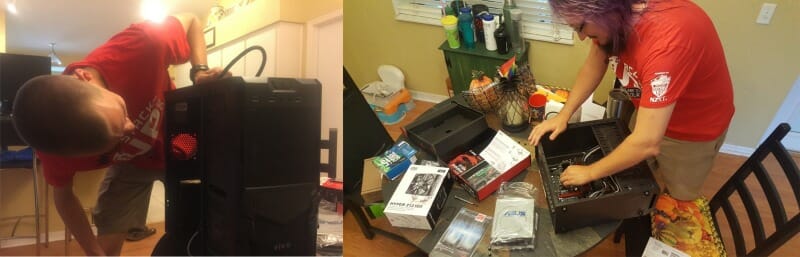
During this period, I continued to stream and do my thing with my laptop (provided by the VA) and volunteered my time to help the Stack Up organization as a game lead, along with becoming part of the Redshirt Raiders Discord. Circa October, I received a phone call from Houstongirlgotu, Orlando Stack Lead, notifying me She had a Stackup T-shirt to drop off. After several hours of small talk about everything under the sun, another knock came at the door. Two other Stack Up members Cuddles & Shadow came to my door surprisingly holding a computer. I learned later, it was a custom built PC just for me!
Rigs 4 Vets (My Streaming Rig)
Motherboard MSI M-ATX H110M
CPU i5-7600
DDR4 2666MHz Memory- 16GB (32GB (2x16GB))
NVIDIA GeForce GTX 1070 8GB
SSD 256GB
ELGATO PROHD 60
Rigs 4 Vets is a program that I had not known about but would come to appreciate. Stack up gave me a great gaming computer that night. I have since made that PC into a stream computer after little less than two weeks later out of the blue a computer from the VA showed up (my current game PC). I believe I mentioned to Houstongirlgotu before the surprise about how many places I had gone to obtain a new computer and that they would probably, “come all at once.” Which, they kind of did.
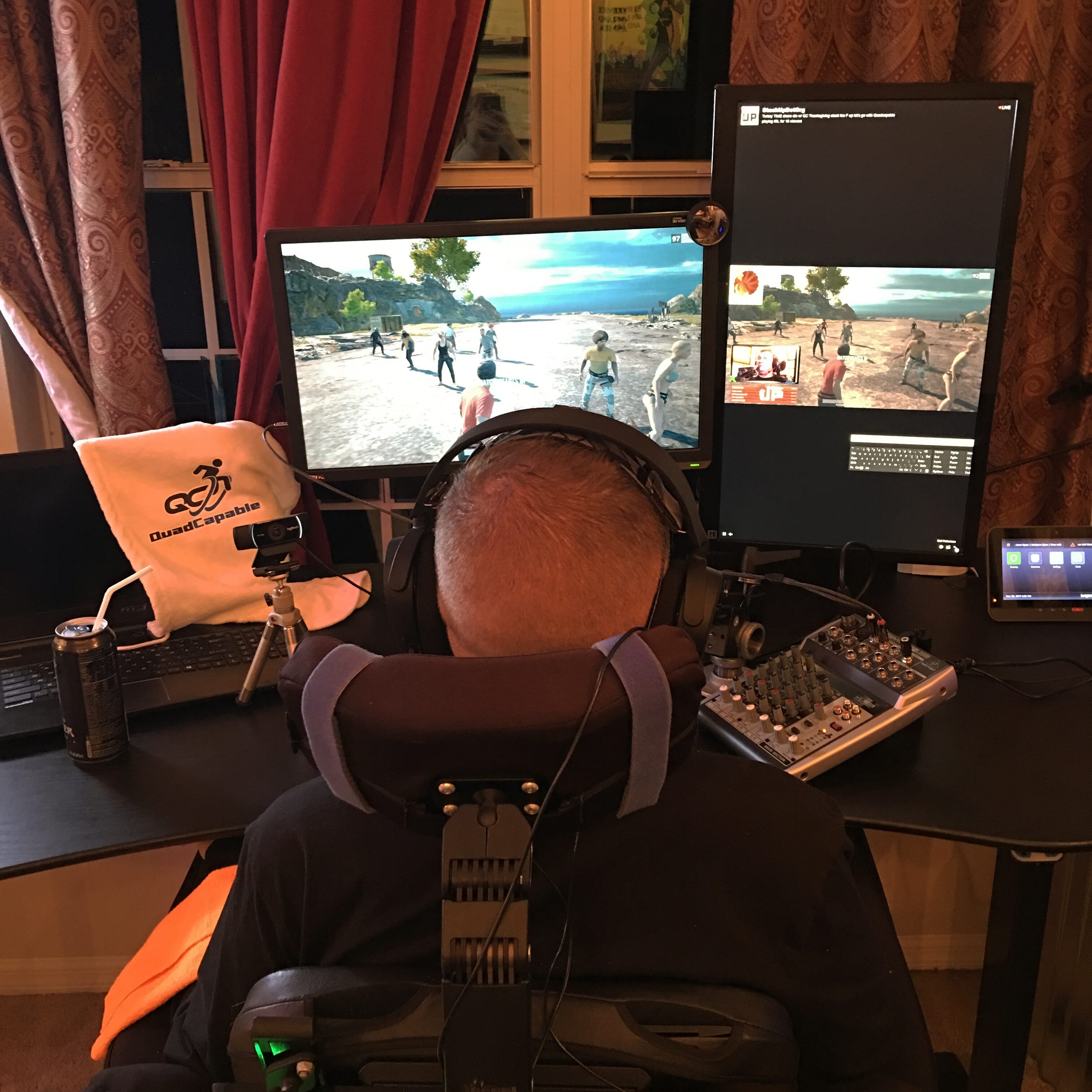
Quadriplegic PC Computer Setup Gaming Workstation
Current Gaming PC (Dept of VA)
Motherboard ASUS X299 TUF MKII ATX
CPU i7-7740X Processor Overclocked (Overclocking (4.9 -5.2GHz)
DDR4 2666MHz Memory- 32GB (32GB (2x16GB))
MSI AERO 8GB OC GTX 1080
SSD 256GB M.2 Solid State
Optane None
CPU Cooling CORSAIR Hydro Series H100i V2 Water Cooler
Windows 10 Professional 64-Bit
The Florida Stack…
has gotten together numerous times since the upgrade. I stream regularly on my own channel, daily, twitch.tv/Quadcapable. Also through the stackupdotorg channel, Fridays 4 pm EST, in support of their mission and to contribute what I am able. I’m currently infatuated with upgrading and bettering my system. Starting to piece together a newer rig, as a Marine, always seeking the best.
Luckily, I was able to find a new home for some of the components from Stack Up. Re-donating the remains to another veteran, x7sage7x. Had the chance to also use those same components with my daughter. Transferring them to a new case and detailing the work on PC Part Picker.
Get AFTER IT!
Just remember if you want something; never stop fighting for it. You can always find good people to help you get it done. If you have questions about any of this, please let me know so I can help you too.
My article on Stack-up.org: Rigs 4 Vets – Quadcapable gets an Upgrade!
Cant use your hands? Check this out!
What You Should Get My Recommendations
CPU Intel i7 8700K 3.7GHz 6 http://amzn.to/2nq5sRU
Motherboard Asus ROG MAXIMUS X HERO http://amzn.to/2iJQXGN
Memory G.Skill Trident Z RGB 32GB (4 x 8GB) DDR4 3200 http://amzn.to/2BFECIB
Storage Samsung M.2 pcie nvme 256 960 pro-evo http://amzn.to/2idY0E2
Video Card MSI GeForce GTX 1080 Ti 11GB GAMING X http://amzn.to/2BG1s2E
Case Thermaltake View 31 TG ATX Mid Tower Case http://amzn.to/2jIgrkv
Power Supply Corsair AXi Series, AX1200i, 1200 Watt 1200W 80+ Gold Certified Fully http://amzn.to/2icjpx5
Monitor BenQ 24 inch 144Hz eSports Gaming Monitor, 1440p, 1ms http://amzn.to/2jH6NyC
Monitor BenQ 27 inch 144Hz eSports Gaming Monitor, 1440p, 1ms http://amzn.to/2nraXzK
Other Asiahorse Wireless RGB LED 120mm X 3 Case Fans 3 pack http://amzn.to/2AmELSU
Other CustomLoop Purchased For $500.00 Misc n/a

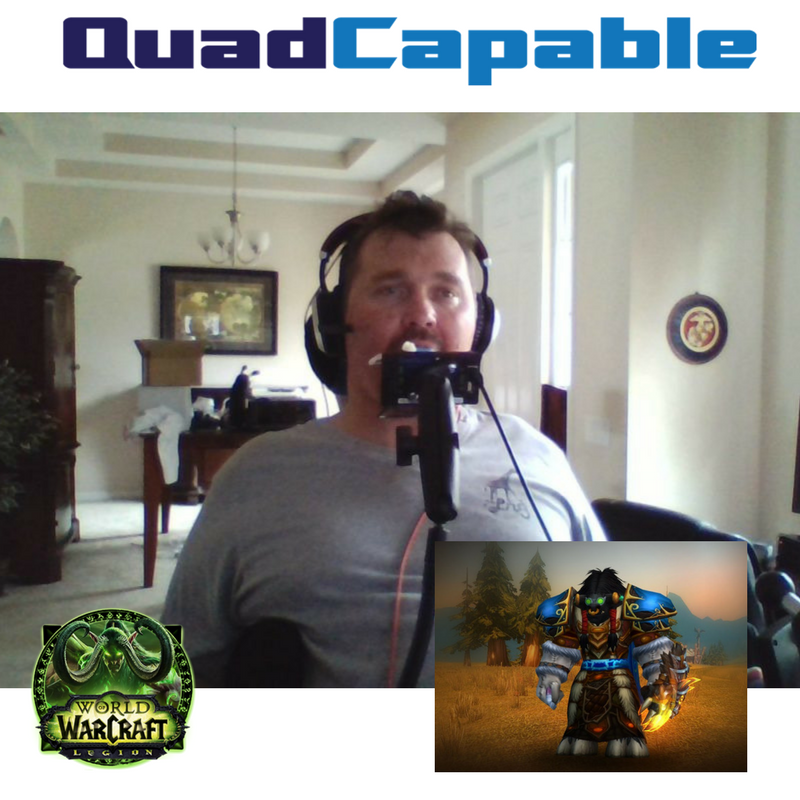
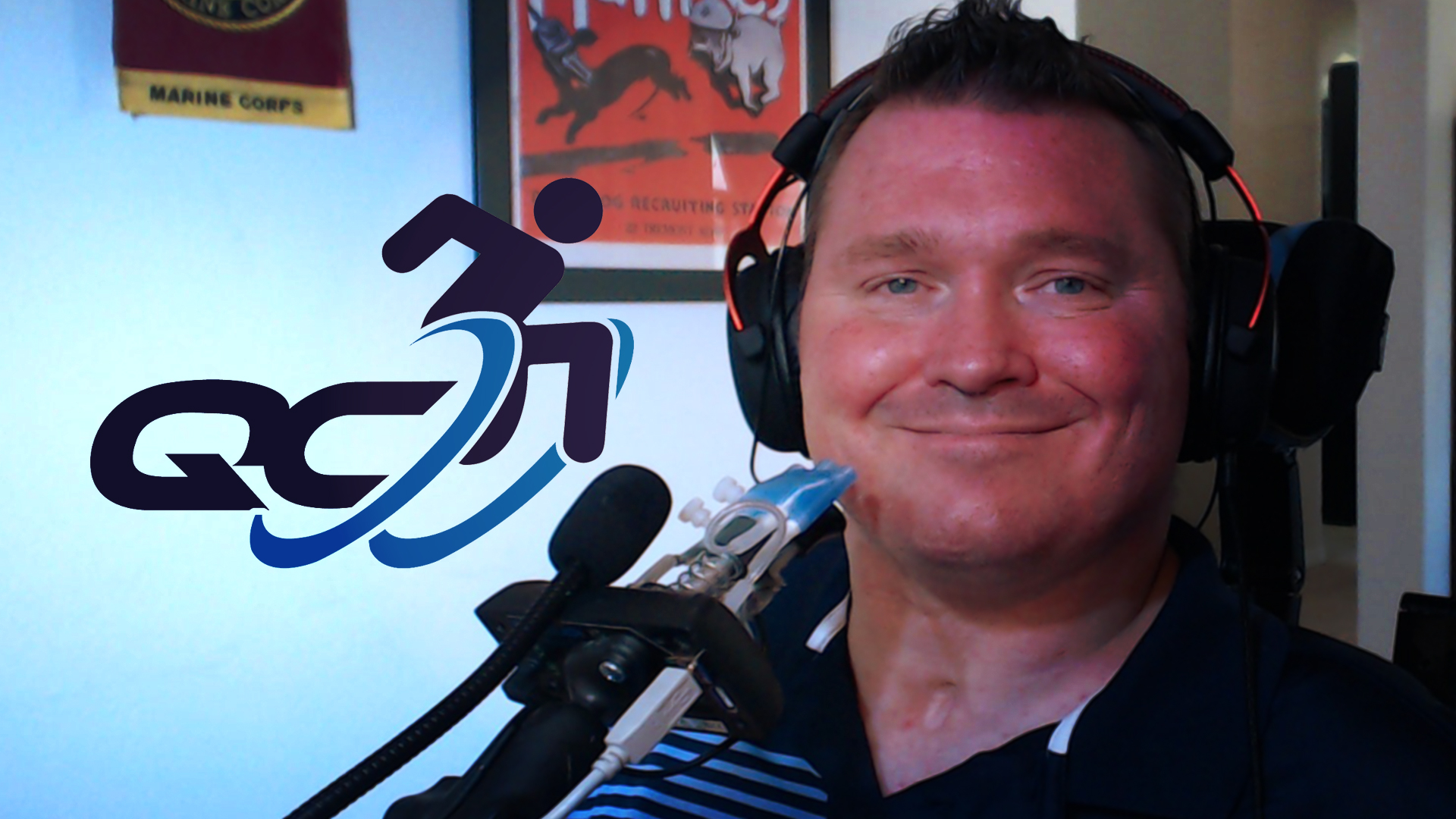
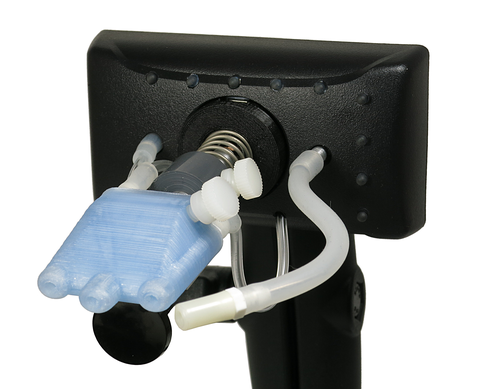 ntrollers for over six months they are very sensitive and very versatile piece of equipment, however, there is a steep learning curve programming the device for additional games. Plug-and-play does work well if you do wish to use this as a mouse. I found that its main weakness is prolonged use I typically would use the controller 16 hours in a day and that wears out the joint that holds the stem of the sip and puff to the base pretty regularly.
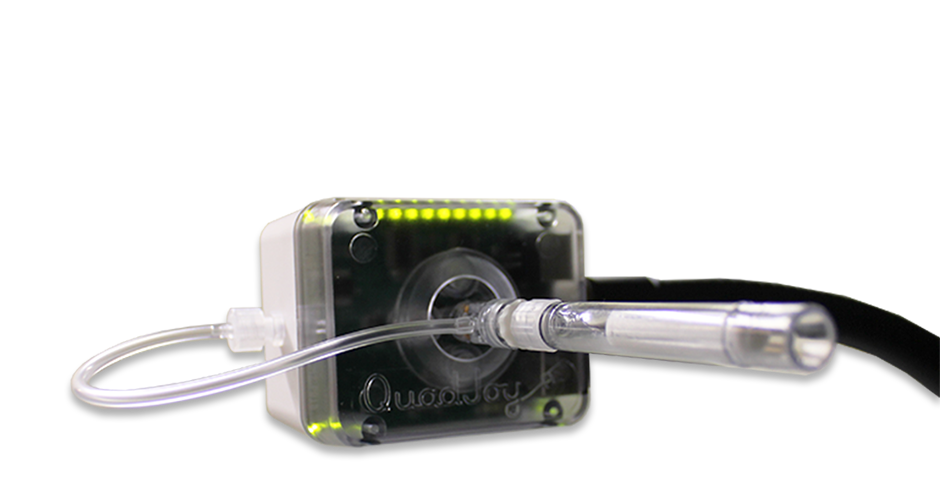 Next up we have the Quadjoy. Instead of being left without a mouse while my quadstick was being repaired requested the quad joy mouth stick from my VA adaptive occupational therapist. I’ve been using this for the last 30 days or so exclusively as my quadstick was broken and is offer repair. I use this device for 12 hours a day typically and in general, it is for web design, games kind of, Facebook, other social media, editing graphics and images. Amongst many other things that I use both of these devices for.